GODREJ SOUKYA ROAD · REMOTE SITE VISIT
Godrej Soukya Road: Virtual Site Visit Guide
Prepare a virtual Godrej Soukya Road visit with a clear route, useful camera views, unit references and a follow-up checklist.
22 September 2026 · 1,408 words · About 8 minutes
Ask about this topic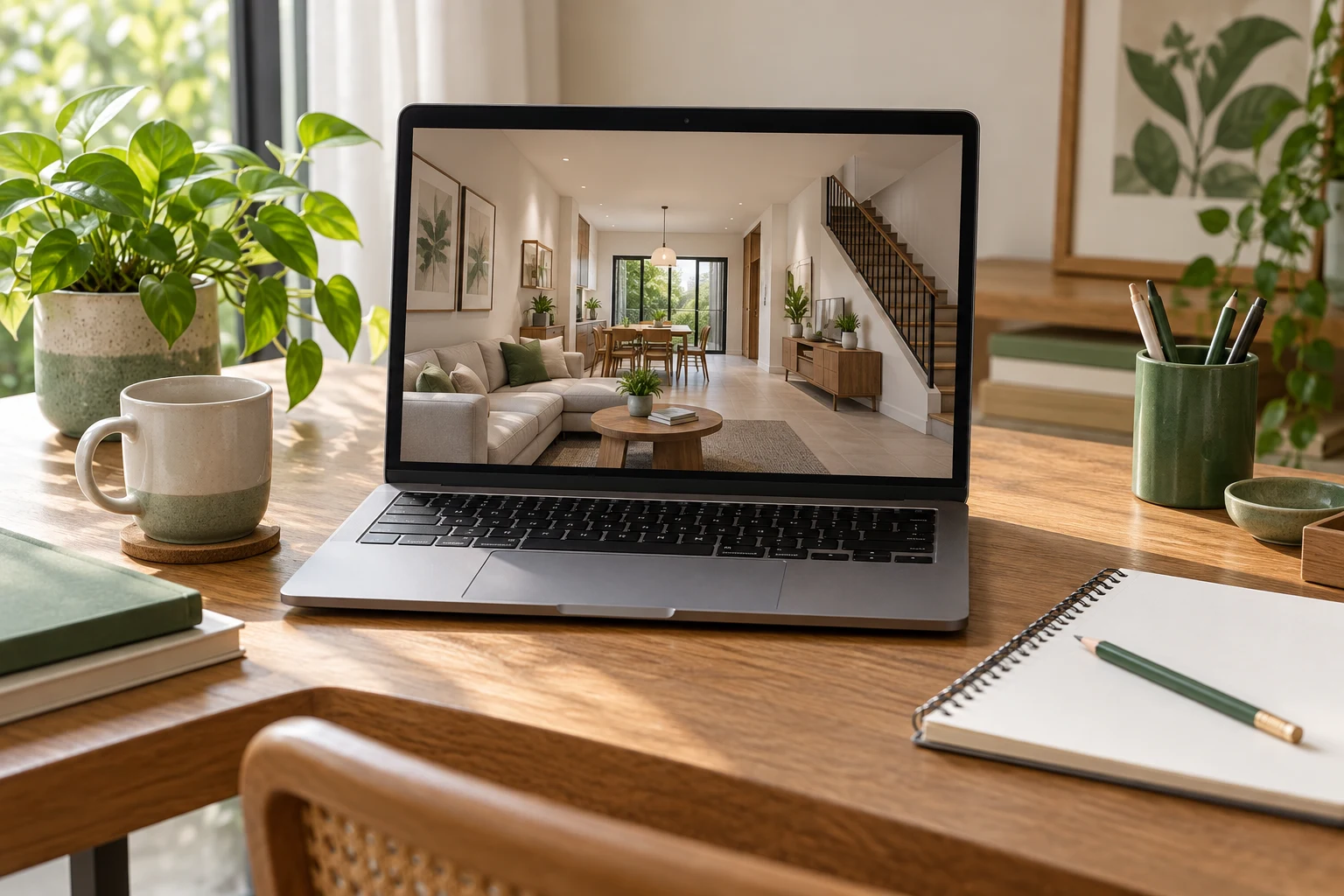
A virtual property visit can help you organise a shortlist when you cannot travel immediately. It works best as a planned conversation with a clear route and specific questions. For a Godrej Soukya Road virtual site visit, decide what you need to understand before the call begins. Otherwise, the camera may move through attractive spaces while the practical details that matter to your household remain unseen.
This guide explains how to prepare a useful remote visit and record its limitations. A video call does not replace document verification, professional advice or an appropriate physical inspection. Keep the Godrej Soukya Road project overview and the relevant unit drawing beside you during the discussion. The aim is to finish with clearer information and a focused follow-up list, not to treat a screen tour as proof of every project claim.
Agree what the camera will actually show
Ask whether the visit covers the site, a sample home, a sales display or the selected unit. These are different subjects and should be labelled clearly. Confirm the unit or display reference before the call. If part of the route is unavailable, ask for that limitation to be explained rather than quietly substituted with an unrelated image.
Request a simple sequence in advance: entrance context, the relevant building or display, rooms in a defined order and any permitted outdoor views. A consistent route helps you connect what you see to the drawing. It also makes it easier to compare notes if another household member joins later.
When reviewing Godrej row houses on Soukya Road, identify the questions that prompted the visit. Bring those questions to the call rather than asking the presenter to decide what matters to you. A general project overview may be useful, but it should not consume the time reserved for specific room or access questions.
Prepare the documents and household brief
Have the current drawing available in a format you can mark. Note the revision date and unit type, and ask the presenter to confirm that the space being shown corresponds to it. If the visit is to a sample home, record any known differences. A furnished display can help with scale while still differing from the delivered specification.
Write a short household brief covering the rooms and activities most important to you. You might need to understand a desk position, storage access or movement between floors. Limit the first call to the questions that materially affect your shortlist. A focused brief is easier to answer than a long collection of unrelated requests.
Share only the information needed for the visit. There is usually no reason to send private household documents simply to discuss a room arrangement. Keep the conversation about the relevant space, intended use and questions. Save any sensitive transaction discussion for an appropriate authorised channel and stage.
Ask for views that explain relationships
A close view of a finish is useful, but first ask for a steady view from the room entrance. Then request a view back toward the doorway. This can help you understand how openings, furniture and circulation relate to one another. Ask the presenter to pause before moving on so that you can locate the room on the plan.
For an important corner, request a wider view that includes adjacent doors or windows. A tightly framed image can hide the obstruction that affects your intended use. Do not infer measurements from the apparent size of objects on screen. Camera lenses and perspective can make a room feel larger or smaller than it is.
Use the Godrej Whitefield villas reference for broader project context, while keeping the video observations separate. A photograph in a listing and a live view may show different spaces or editions. Ask for clarification where they appear inconsistent instead of choosing whichever image better matches your expectations.
Request measurements through the right process
If a dimension matters to your furniture or access needs, identify the exact points being measured. Ask for the measurement to be recorded and later confirmed through the appropriate drawing or site measurement process. A casually held tape on a video call is useful context but should not become the sole basis for custom fabrication.
Specify whether you mean clear wall width, the distance between finished surfaces or the space remaining beside an opening. These are different measurements. A clear question reduces the chance of receiving a correct number for the wrong part of the room. Mark the requested dimension on your plan for follow-up.
Leave uncertain dimensions open. It is better to record that a cupboard clearance needs confirmation than to estimate it from the screen and forget that it was an estimate. Ask who can provide the final information and at what stage it becomes available. Keep that answer with the visit notes.
Observe surroundings without overclaiming
Where permitted, ask for a view of the approach and the surroundings relevant to your shortlisted unit. Establish where the presenter is standing and the direction of the view. A short outdoor clip can provide context, but it cannot demonstrate every traffic condition, seasonal change or future development around the site.
Record the time and circumstances of the call. Background sound on a phone is not a reliable acoustic assessment, and a quiet moment does not establish that an area is always quiet. Similarly, a bright view does not prove year-round daylight in a room. Use observations to identify further questions rather than universal conclusions.
A Soukya Road property information search may supply additional references, but compare their dates and locations carefully. Keep proposed features, existing surroundings and display elements distinct. A remote visit is most useful when it makes those distinctions clearer rather than blending them into one impression.
Keep a practical record of the call
Ask permission before recording the conversation or taking screenshots that include people or private information. If recording is not appropriate, use written notes and request relevant approved images afterward. Label each note with the space shown, the question asked and the answer received. Avoid relying on memory after a long presentation.
Separate observations from statements. Write that you saw a particular fitting in the display, and separately record what the presenter said about whether it is supplied. This prevents a visible object from being mistaken for an inclusion. Ask for the applicable specification where the distinction affects your decision.
At the end of the call, read back the most important unanswered questions. Confirm the document or follow-up needed for each. A short agreed list is more useful than an informal promise to send everything later. Keep one person responsible for gathering the answers so the conversation does not fragment across several messages.
Make the follow-up usable
Immediately after the call, divide your notes into things you saw, things someone described and things still unanswered. Keep those categories separate. A camera view of a doorway is different from a verbal explanation of its dimensions. This distinction helps you avoid turning an impression into a confirmed feature when discussing the home with another family member.
Choose the three unanswered points that matter most to your decision. Request a specific drawing, measurement or additional view for each rather than asking for more details generally. Include the unit reference and explain what you are trying to assess. A precise question is easier for the project team to answer accurately.
Keep the recording or screenshots only where permitted and label them with the date. If the unit or drawing changes, review the affected notes again before relying on the earlier virtual visit.
Decide what the visit has and has not resolved
Review the call against the household brief. Mark which questions were answered, which need documents and which require a physical visit or professional assessment. Do not let a polished presentation create pressure to treat an incomplete review as complete. The purpose of the call is to improve the next decision.
For another search for Godrej Soukya Road details, retain the relevant unit reference and date. If your shortlist changes, update the visit brief rather than transferring observations from one unit to another. A different location or layout can change the questions that matter.
Return to the Godrej Soukya Road home information to organise the follow-up. A successful virtual visit leaves you with a coherent picture of what was shown, an accurate record of its limits and a manageable list of next checks. That is a useful result even when the final choice still requires more evidence.
More Godrej Soukya Road articles
EXPLORE THE PORTFOLIO
Projects by the same builder

Browse all Godrej project guides
Discuss your Godrej Soukya Road shortlist
Ask for the project details relevant to this guide.
Chat about Godrej Soukya Road: Virtual Site Visit Guide