GODREJ SOUKYA ROAD · WI-FI
Godrej Soukya Road: Wi-Fi Across Floors
Plan Wi-Fi across floors at Godrej Soukya Road through connection routes, router placement and practical room-by-room checks.
12 September 2026 · 1,400 words · About 8 minutes
Ask about this topic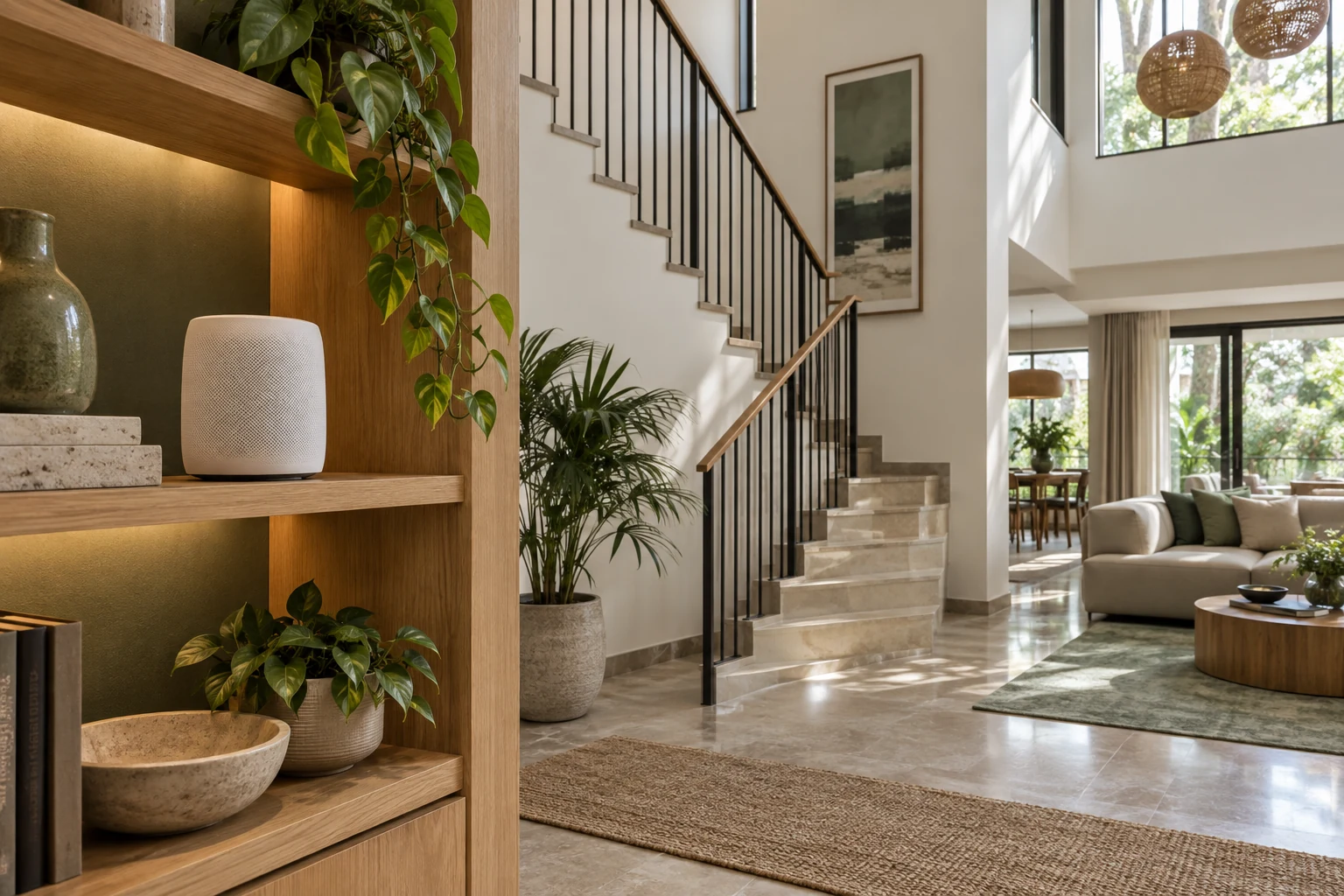
Godrej Soukya Road Wi-Fi planning begins with the rooms where your household actually needs a connection. A fast broadband package at the entrance does not tell you whether a video call will remain stable upstairs. For a home arranged across levels, the useful question is how the internet connection will reach each regular activity without creating a tangle of visible cables.
Start with the Godrej Row Houses Soukya Road project guide to identify the proposed home you are discussing. This article is a planning method, not a promise that a particular broadband provider, network cable or device is included. Ask for the applicable electrical and communications drawings before treating any connection point as confirmed.
Map activities before buying equipment
Make a simple list of where people connect during a normal weekday. Include the television, a desk used for calls, children's online lessons and the bedroom where someone reads on a tablet. Add occasional needs such as a visitor working upstairs. A map of activities is more useful than counting devices because ten idle devices create a different situation from several simultaneous calls.
Identify the sessions that cannot easily move. A television connected beside an existing console is relatively predictable. Someone moving between a desk and another room during a meeting needs a different experience. Put the fixed activities first, then the places where coverage would merely be convenient. This distinction prevents spending heavily to improve a rarely used corner while overlooking the main working room.
Discuss the busiest overlap. If an adult attends meetings while another streams a film and a child joins a lesson, test that combination eventually. A single speed test performed beside the router measures only one situation. It does not reproduce the household's normal load, room positions or movement between floors.
Find the incoming connection and cable route
Ask where the service provider's connection enters the home and where its equipment can be installed. Request confirmation of available conduits, data points and power sockets. Record whether these are supplied provisions or additions you would arrange. A marketing description of a connected home should never substitute for an identified point on the relevant drawing.
Then trace a possible route from the incoming equipment to the rooms that matter. A network installer can assess the actual cable path, permitted work and access for future repairs. Resolve this before fitted furniture closes a route. Avoid assuming that an electrical conduit can automatically accommodate any additional cable or that concealed work is permitted everywhere.
When comparing descriptions, the Godrej Whitefield villas listing is another marketing reference for this same shortlist. Use it to organise questions, while relying on the specific home documents and installer assessment for communications provisions. A property listing is not a network design.
Choose placement through testing
TP-Link's mesh placement guidance explains that placement may require experimentation. That is a useful principle for a multilevel home: the best position depends on the real building and equipment. Treat an attractive shelf location as a candidate to test, not a guarantee of coverage throughout the house.
Keep equipment accessible for checking cables and restarting it when necessary. A router hidden behind a full book collection may be visually tidy but awkward to maintain. Discuss ventilation and placement with the device instructions in hand. Do not make a custom cabinet around hardware before confirming how that model should be installed.
Decide how much visible equipment you can accept. Some households prefer an open shelf near a convenient connection; others want a carefully planned service location. Either approach should preserve access and practical performance. A small change to a shelf or cable route can be easier than repeatedly moving a desk because its original position has an unreliable connection.
Compare wired and wireless options sensibly
Ask the installer to explain which important stationary devices could use a wired connection and which will rely on wireless coverage. Request a diagram showing how proposed access points connect. The objective is to understand the arrangement and its maintenance, rather than memorise product terminology or choose the most expensive package.
For each option, ask what happens if one device is unavailable. Establish which equipment the broadband provider maintains and which belongs to you. Keep model details and support contacts together. A system that a household member can identify and explain is easier to troubleshoot than a collection of devices installed without a handover.
If you are researching alternative descriptions of the location, Soukya Road project search results can help you collect questions for the sales discussion. They do not confirm network availability at a particular home. Obtain the exact serviceability answer directly for the project and unit when that information becomes available.
Run a room-by-room acceptance check
Prepare a short test sheet with one row for each priority room. Record the device used, approximate position, activity and result. Start with an ordinary video call or the work application that matters to you. Repeat with the door in its usual position and the laptop where it will actually sit.
Next, reproduce the household overlap identified earlier. Note interruptions, not just a headline speed figure. If the problem occurs only at a particular desk, tell the installer exactly where and under what conditions. A precise observation makes it easier to adjust placement or investigate a connection than saying that the entire internet feels slow.
Keep the first results as a baseline. When furniture arrives, repeat the important checks, especially if equipment has moved. Do not assume the initial arrangement remains unchanged after wardrobes, television units and other furnishings are installed. Include network access in your staged furnishing plan so cabinetry and connectivity decisions support each other.
Plan a simple household handover
Write down where the main equipment is located and which cable serves which purpose. Store credentials securely rather than displaying them in a visible household chart. Agree who contacts the provider and where service records are kept. These small arrangements matter when the person who organised installation is away.
Consider your fallback for an important call. Check the actual mobile connection where you would use it and the limits of your own plan. Do not assume that a nearby household's experience will match yours. A fallback is useful only if it has been tried with your device in the relevant room.
The Soukya Road row houses reference can sit alongside your shortlist notes, but keep household networking decisions in a separate installation brief. Distinguishing property information from equipment requirements prevents an informal sales conversation from becoming an assumed technical commitment.
Compare two installation proposals
Imagine receiving two proposals for the same home. One lists several devices and a total price, while the other identifies the intended rooms, cable routes, installation work and testing procedure. The second is easier to evaluate even before you compare prices. Ask the first installer to provide equivalent detail so you are comparing the same outcome.
Separate hardware, labour, optional cabling and ongoing service charges in your notes. Check whether later visits are included and what the installer considers a completed installation. Avoid agreeing to an undefined promise of perfect coverage. Instead, describe the activities and positions that will form your acceptance check, along with how an unresolved problem will be handled.
Leave room for adjustment after occupation. You may discover that the family uses a different sitting area or that a desk works better on another wall. A practical proposal explains what can move easily and what would need new work. This makes the system adaptable without assuming that every future change will be free. Keep the final diagram with your household documents and review it whenever equipment is replaced or furniture changes its position. A clear record saves repeated explanations during later support calls.
Questions worth taking to the project team
Ask where incoming connectivity is intended to terminate, which provisions are documented, whether installation access has restrictions and when service-provider availability can be confirmed. Ask for the answer against the home you are considering. If drawings are not yet available, mark that decision as pending and avoid ordering fitted storage around an imagined data point.
Return to the Godrej Soukya Road project page with a concise room list and your highest priority connection needs. You can also revisit Godrej Soukya Road search references when organising the wider shortlist. Keep the final decision grounded in the actual provisions, a practical installation proposal and tests in the rooms your family uses.
More Godrej Soukya Road articles



EXPLORE THE PORTFOLIO
Projects by the same builder



Browse all Godrej project guides
Discuss your Godrej Soukya Road shortlist
Ask for the project details relevant to this guide.
Chat about Godrej Soukya Road: Wi-Fi Across Floors